Start with the Cookie Test (don’t guess)
Open the Cookie Test and the Storage Test. You’re looking for:
- First-party cookies: allowed
- Third-party cookies: allowed (or blocked)
If third-party cookies are blocked, your symptom will often look like one of these:
- SSO popup closes immediately
- Embedded login iframe never finishes
- Checkout iframe is blank
- You loop back to “sign in” after a successful login
Keep the test open while you apply fixes. Re-run it after each change.
If multiple failures appear, use the Browser Testing Hub to follow the right diagnostic order.
What “third-party” means (in one paragraph)
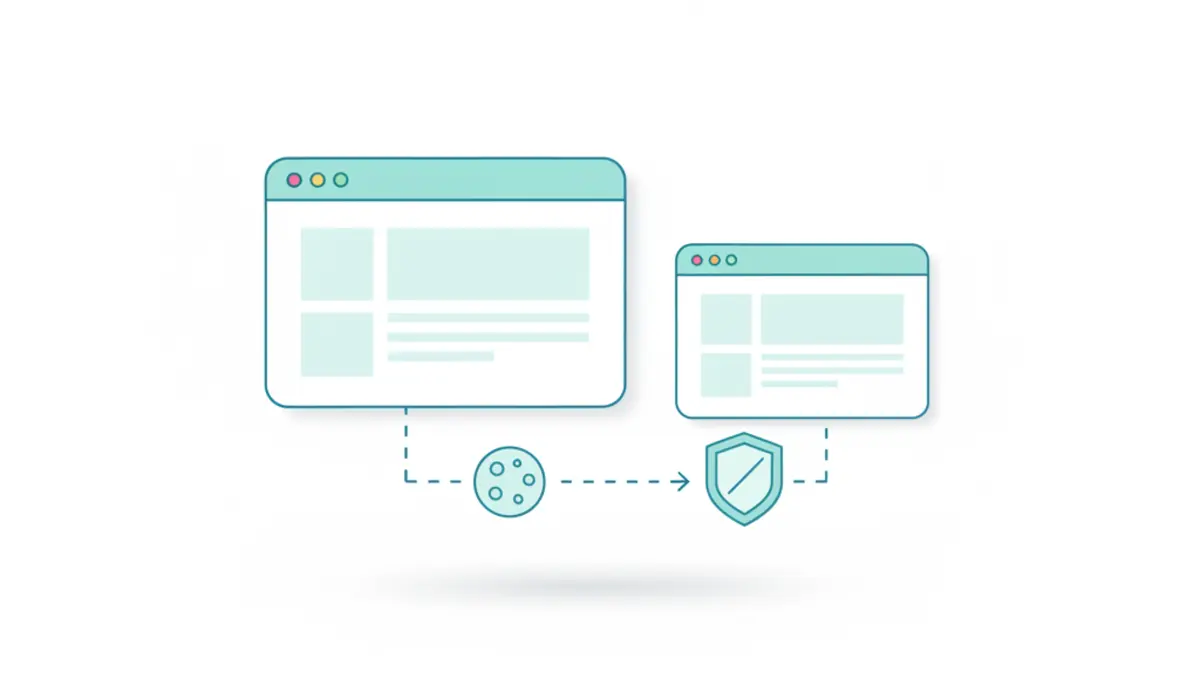
Cookies are “first-party” when the cookie domain matches the site you’re visiting. They’re “third-party” when a different domain sets or reads cookies inside an embedded context (like an iframe) on another site.
Example:
- You visit
app.example.com(first party). - The app embeds
login.idp.comin an iframe for SSO (third party). - If the browser blocks third-party cookies, the identity iframe can’t persist session state, and login can loop.
The safe fix: use site-level exceptions, not global allow
If you enable third-party cookies globally, you fix the app but you also increase tracking elsewhere. A safer pattern is:
- Keep global blocking enabled.
- Add an allowlist entry for the specific identity/payment domain that needs third-party cookies.
- Verify with the Cookie Test.
- Remove the exception later if you no longer need it.
This keeps the fix scoped to the workflow you trust.
Which test confirms each fix?
- Cookie exception added for IdP/payment domain -> rerun Cookie Test
- Storage still unstable after cookie changes -> rerun Storage Test
- Flow still fails even when cookies are allowed -> run Browser Privacy Check for extension/policy interference
- Unknown multi-layer failure -> run Browser Test to detect additional blocked APIs
When you actually need third-party cookies (common scenarios)
These scenarios often fail when third-party cookies are blocked:
- SSO providers inside iframes (Okta/Auth0/Azure AD style flows)
- Payment providers that run inside an embedded checkout iframe
- Customer chat widgets that keep session state across domains
- Embedded dashboards hosted on a different domain than the main app
If your app uses a top-level redirect instead of an embedded iframe, it usually avoids third-party cookie issues. That’s why many vendors have moved away from iframe-based auth.
Fix checklist (in order)
1) Add a site exception for the identity/payment domain
Identify the “other domain” involved in the flow. Common clues:
- The login popup URL (look at the address bar).
- The domain of the iframe on the login screen.
- The payment domain shown in the checkout popup.
Add a site exception for that domain and retry the flow. Then re-run the Cookie Test.
2) Clear stale cookies for the identity domain
Bad cookies can loop authentication even after you allow them. Clear site data for the identity domain, then retry.
3) Disable extensions that strip cookies
Privacy tools can remove cookies even when the browser allows them. Test once in a clean window with extensions disabled. If it works, add an allowlist rule for the relevant domains.
4) Avoid private browsing during setup
Private windows often block third-party cookies by default and clear cookies on close. Complete the setup in a normal window first, then decide how strict you want to be.
Verify the fix
Re-run the Cookie Test. Third-party cookies should show as allowed. Then retry the original workflow (login/checkout) without closing the tab.
If it only works on a different network or only fails on a managed device, it’s likely policy-based. Capture the failing Cookie Test output and involve IT.
Escalation packet for IT or vendors
When the issue persists, send:
- The app URL and embedded domain URL
- A screenshot of Cookie Test and Storage Test
- Browser + version + whether private mode was used
- Confirmation of whether a per-site exception changed behavior